Windows setup warning: what it means and how to continue
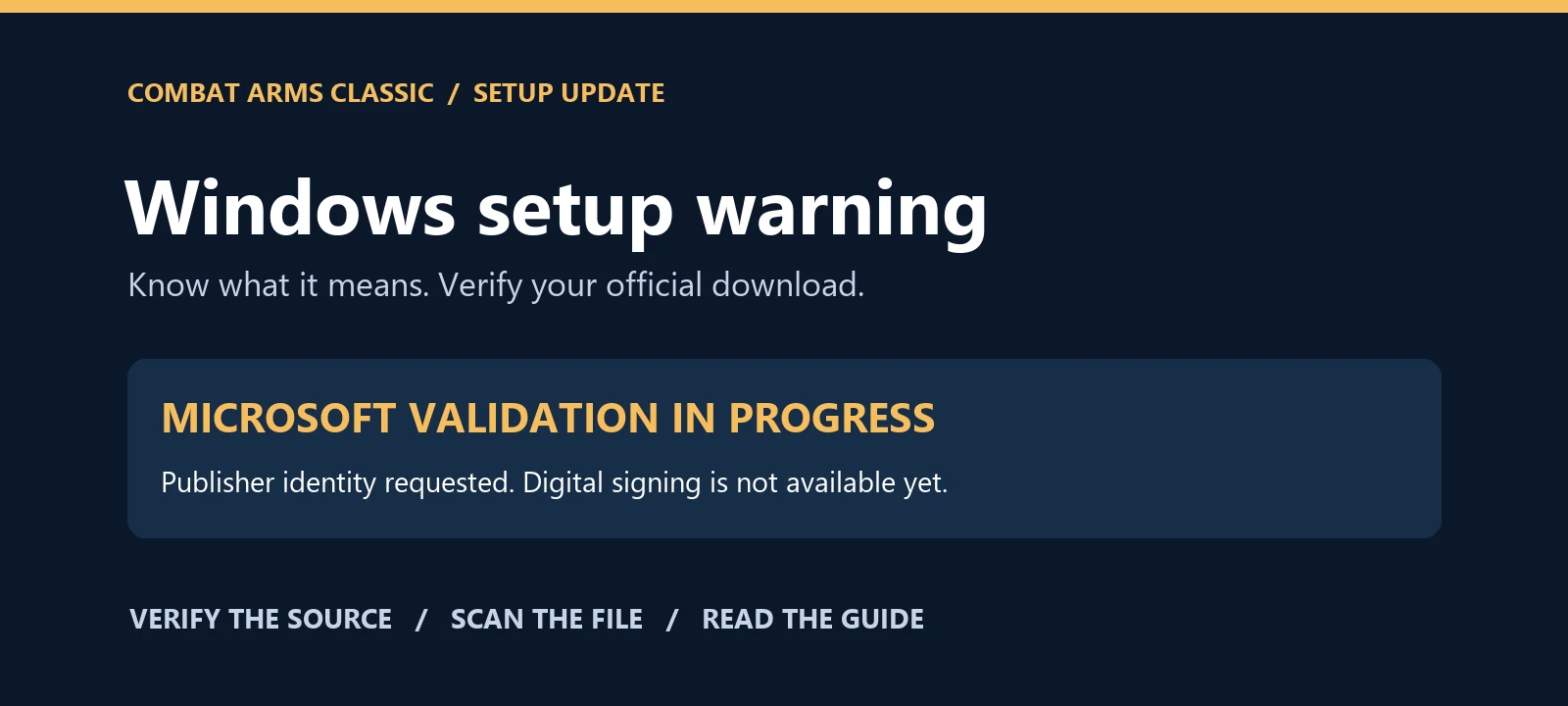
Seeing “Windows protected your PC” or “unrecognized app” when opening our setup? We want to explain the warning clearly. It can appear when a file has not established a recognized reputation or a trusted digital signature. The warning alone does not establish that a file contains a virus.
We have started publisher identity validation with Microsoft Azure Artifact Signing for HUBERWAY DI EREDITATA GENNARO. The request was submitted on 3 November 2026. Microsoft has requested a further identity verification step, and the validation process is not yet complete. The certificate is not yet available, and our current installers are not yet signed through this service.
Transparency about our downloads
The official setup installs the game client, launcher and, when required, Microsoft WebView2. The launcher checks expected files against its update catalog. These integrity checks detect file changes; they are not antivirus certification.
On 3 November 2026, a targeted Microsoft Defender scan of the publisher-updated full setup found no threats. This result applies to that file and the definitions used; it is not an absolute guarantee for every copy or version.
Always start at combatarms.world and use your official personal download link obtained through the website. Avoid copies from strangers, mirrors or reposted attachments. A matching file name alone does not establish authenticity.
SHA-256 of the publisher-updated setup covered by this scan:2ff2010914462961e9d5ff29d1f67d90865baf5f6cc43f293463fec81ee9159c
Microsoft Defender: 1.463.107.0 · 2026-11-03
How to continue during this phase
Use these steps only for an official setup you have verified and chosen to run.
- Verify the source. Open the official website and use the download assigned to your account. Keep your antivirus up to date and scan the file.
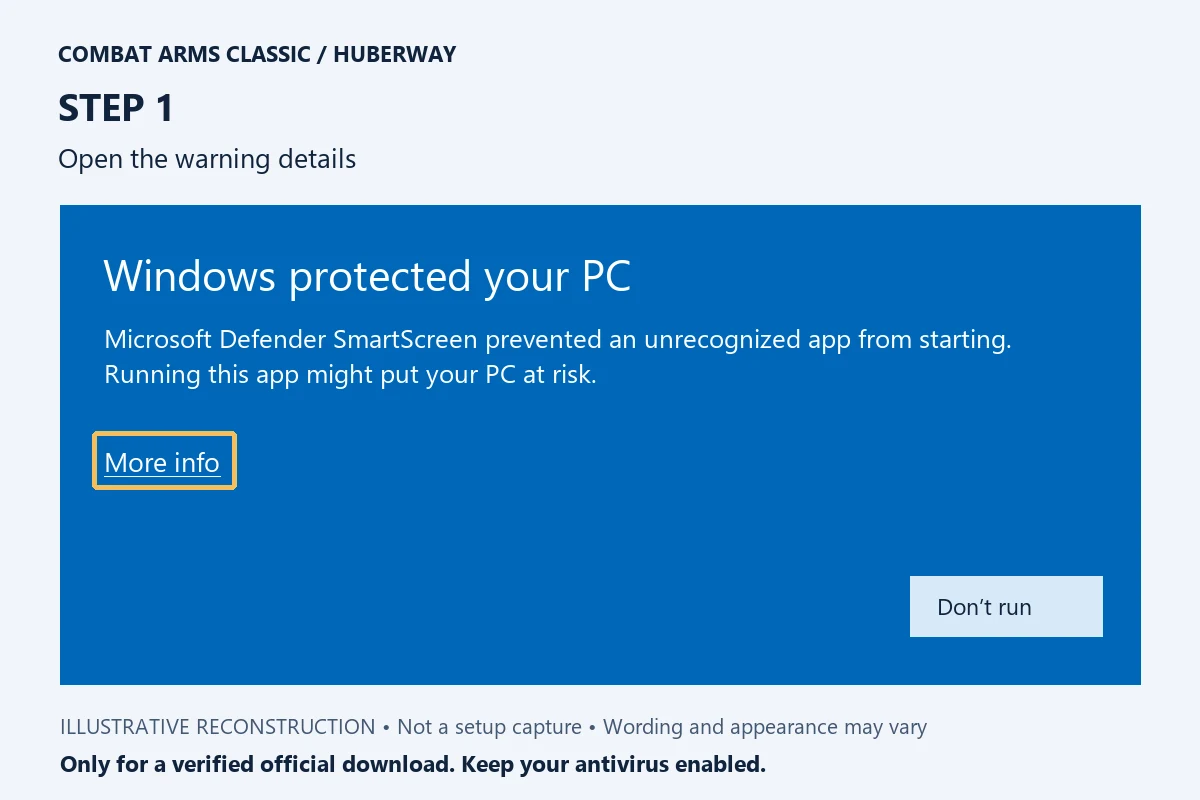
- Open the setup. If the blue SmartScreen dialog reports an unrecognized app, select More info.
3. Check the details. The expected file name is CombatArmsClassicSetup.exe. Before signing is available, Windows may display “Unknown publisher”; that label does not establish safety.
4. Choose whether to continue. After verifying the source, if you trust the package, select Run anyway and follow the installer.
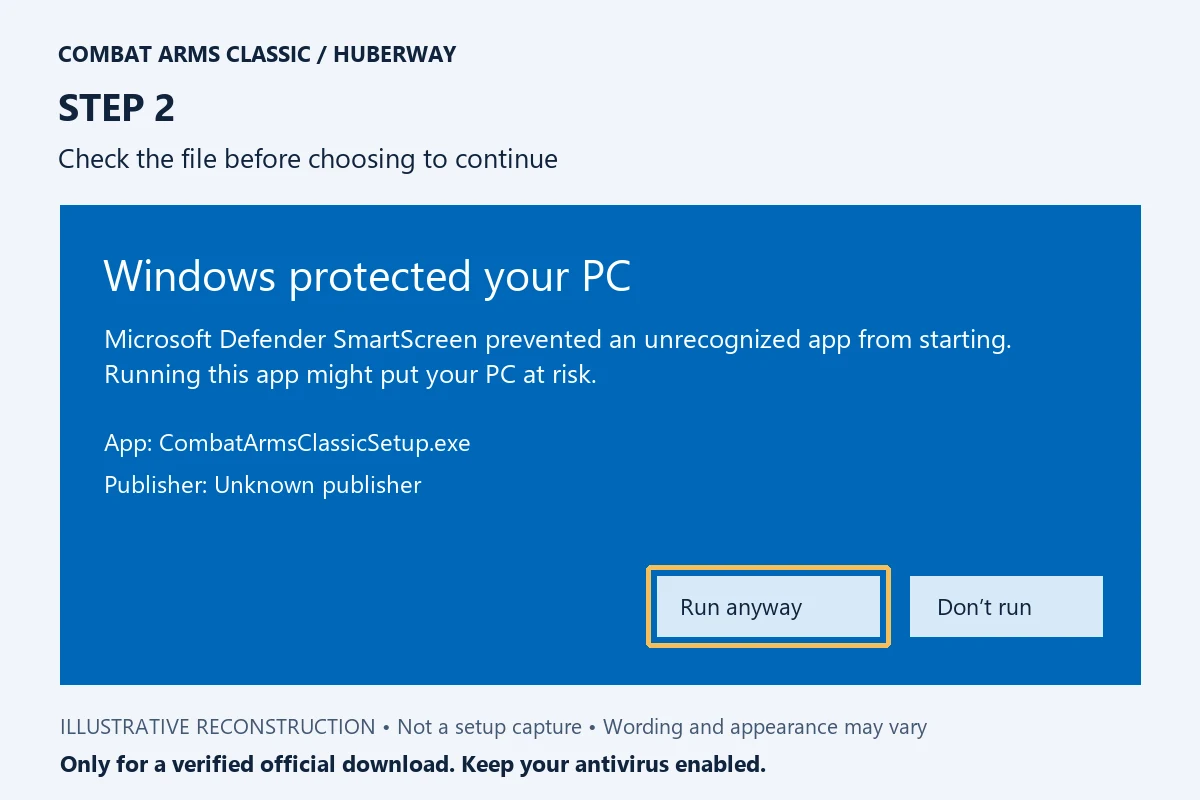
Images are illustrative reconstructions of the Windows dialog, not captures of our installer. Wording, file names and available buttons can vary with language, Windows version and device policy.
When to stop
If your antivirus detects a specific threat, stop and contact us. This guide does not apply to virus, Trojan or potentially unwanted software detections, or Smart App Control blocks. If “Run anyway” is unavailable, do not change device policies to force the file to run. You do not need antivirus exclusions or to disable SmartScreen or Defender.
What Microsoft signing will change
After approval, we can sign new distributions using the validated publisher identity. Signing establishes origin and integrity; it is not Microsoft's endorsement of the game and does not guarantee every warning will disappear immediately.
Questions? Contact [email protected] with your Windows version, file name and warning text. Do not post your personal download link.
Sources: Microsoft: SmartScreen reputation; Microsoft: Artifact Signing identity validation. Status checked on 3 November 2026.